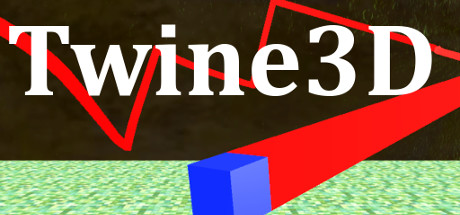
Twine3D is a third person view control path craft game. Control: Move forward:default keyboard button w; Move back:default keyboard button s; Move left:default keyboard button a; Move right:default keyboard button d; Move up:default keyboard button space; Move down:default keyboard button q; Long click mouse left button to rotate the camera; Long click mouse right button to rotate the player cube; Two Game Mode:Creative and Chase. Game Mode Creative:free to move.Player can save the scene as a Twine3D file, and load a Twine3D file to create the scene. Game Mode Chase:control
Tracking started recently; the line appears after a few days of data.