Zombie Fingers! 3D Halloween Playground for the Angry Undead FREE
Useless Creations Pty Ltd
★ 3.3FreeEntertainmentSimulationAction9+
ReleasedOct 8, 2011
Last updateDec 3, 2012
Version1.2
Ratings51
Ratings, 7 dayscollecting
Size31 MB
Languages1
Ratings over time
Tracking started recently; the line appears after a few days of data.
Description
From the makers of SHARK FINGERS! and FISH FINGERS!
Watch as zombies roam around your very own cemetery right on your icons! They frolic among the plants and graves, they run around leaving dirty footprints, they hunt and eat people--- wait a minute... they're terrifying!
Zombie Fingers! lets you raise the dead and keep them as a hungry hoard of stinking pets!
But like any pet, you need to feed them, and their favourite food is people...
Features:
- Outstanding 3D graphics.
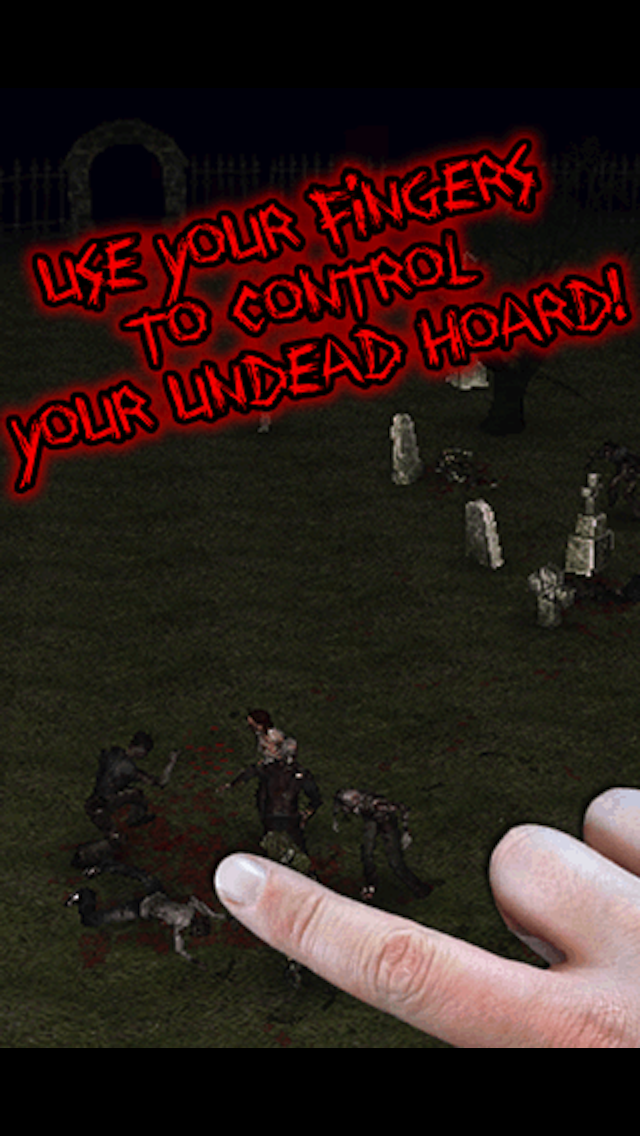
- Finger control over your zombie hoard.
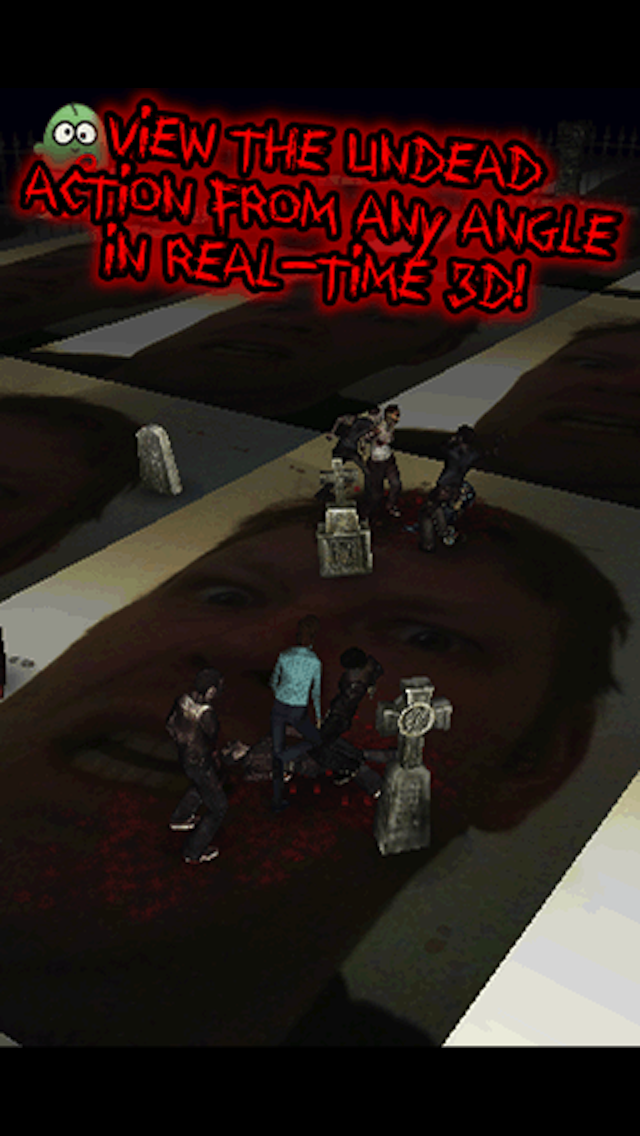
- Select any image as the ground of your cemetery. Have them leave bloody footprints on your icons, or your office friends, or any image you like! Freak out your friends by making them think your iPhone is haunted!
- Freedom to play around with your zombies and feed them as much as your like... like a cuddly pet. But not.
- Blood can be turned off for the squeamish!
This app is a toy. Play with it.
Here's some basic instructions to get you started:
* Double tap a flashing tombstone to raise a zombie.
- Your zombies are like pets, you need to feed them.
- If left alone, they may eat each other...
* Your zombies will follow your finger.
- Hold one finger on the screen and wait. If they're not busy, they'll come...
* Double tap empty ground to drop in a human.
- Humans are a zombie's favourite food, but they're not going to just sit around and wait to be eaten...
- If they die, a new tombstone will appear... then they may return.
* Drag TWO fingers around the screen to control the camera.
- Pinch your fingers to zoom in and out.
- Try using your thumbs.
* You can use any image you like as the ground for your cemetery.
- Select your image from the settings option in the menu.
- Try using a screenshot of your icon screen for a cool effect.
* The menu icon is always in the top left corner of the screen.
- It fades away so as not to intrude on your view, but it's always there. Waiting.
- Touch it to open the menu and access many different options and information.
Remember, a pet zombie is not just for Halloween...
More from Useless Creations Pty Ltd

Space Wars 3D Star Combat Simulator: FREE THE GALAXY!
Useless Creations Pty Ltd
★ 3.7
284 ratingsFreeCasual
Released Apr 2, 2012

Shark Fingers! 3D Interactive Aquarium FREE
Useless Creations Pty Ltd
★ 3.8
209 ratingsFreeAction
Released Jun 24, 2011

Puppy Dog Fingers! with Augmented Reality FREE
Useless Creations Pty Ltd
★ 4.0
108 ratingsFreeSimulation
Released Jan 5, 2013

TRUMP-yman GO! Bounce balls at him in augmented reality!
Useless Creations Pty Ltd
★ 4.3
100 ratingsFreeSimulation
Released Sep 9, 2016

Dragon Detector + Virtual Toy Dragon 3D: My Dragons! FREE
Useless Creations Pty Ltd
★ 3.9
85 ratingsFreeFamily
Released Jan 27, 2012

Fish Fingers! 3D Interactive Aquarium FREE
Useless Creations Pty Ltd
★ 3.7
83 ratingsFreeSimulation
Released May 4, 2010

Easter Egg Run! Angry Bunny's Revenge! FREE
Useless Creations Pty Ltd
★ 3.3
63 ratingsFreeFamily
Released Mar 2, 2012

Zombies GO! Fight The Dead Walking Everywhere with Augmented Reality (FREE Edition)
Useless Creations Pty Ltd
★ 3.9
57 ratingsFreeSimulation
Released Mar 16, 2014

Santa in the City 3D Christmas Game + Countdown FREE
Useless Creations Pty Ltd
★ 3.8
41 ratingsFreeSimulation
Released Nov 25, 2010

Christmas Run! Angry Santa's Revenge! FREE
Useless Creations Pty Ltd
★ 3.6
39 ratingsFreeFamily
Released Nov 25, 2011

Aliens Everywhere! Augmented Reality Invaders from Space! FREE
Useless Creations Pty Ltd
★ 3.5
8 ratingsFreeSimulation
Released Jan 28, 2015

Peek-a-Boo! Play With A Virtual Baby Who Responds To You!
Useless Creations Pty Ltd
★ 2.3
6 ratingsFreeFamily
Released Jul 28, 2015