Tracking since Sep 26 — growth appears once we have a second daily reading.
Update history
3.9.7Aug 19, 2026 · seen Sep 26, 2026
- Updated google billing library<br>-Minor Bugs solved
Only the current version so far — new entries appear as the game ships updates.
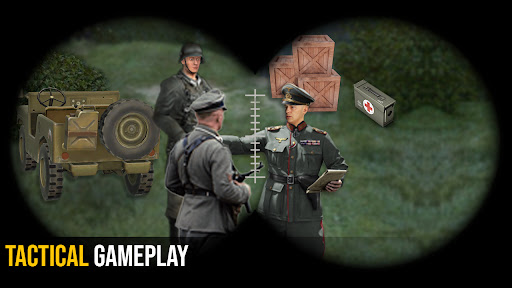
Fast pace action FPS shooting game with both VR and Non-Vr mode and option of bluetooth gamepad or without vr controller. Another vrbox games series. Shooting games war combat missions designed for professional gamers.
In this First Person Commando shooting game survive and fight as last hope. Enjoy vr games by connecting a video game controller (aka Joystick) via Bluetooth to your android device. Use the D-pad (directional pad) on the console controller for the player movement and mobile gamepad keys for the shooting and other actions.
Fighter Jet Shooting Game Features:
- A FPS action commando shooting game.
- Deadly weapons
- Addictive game play
- Thrilling mission’s story
- HD graphics, music and voice performances perfectly adapted for a shooter game.
- Highly customize able controls so you can play the game just the way you want.
- Supported on all android devices.
How to Play Air Force Action Game:
With Gamepad:
• Complete user guide and tutorial for playing game with joy pad is provided within the game.
Without Game Controller:
- Non-VR: Touch the right half of screen for aiming, and left half of screen for movement
- VR: Look and aim at enemy for auto-shooting
- The gun reloads automatically.
- For enemies at far distance, use scope.
- Tap to pick weapons.
- For Completing mission objectives follow navigator.
- Detect enemies by the help of radar.
- Read the mission objective carefully.